JioHotstar vs TV: Streaming Reach
JioHotstar is an India-focused streaming service that combines TV shows, movies, specials, live cricket and football in one digital platform. Created through the 2025 combination of JioCinema and Disn...

JioHotstar vs TV: Streaming Reach
JioHotstar is an India-focused streaming service that combines TV shows, movies, specials, live cricket and football in one digital platform. Created through the 2025 combination of JioCinema and Disney+ Hotstar, it serves viewers in India across smartphones, browsers, smart TVs and connected devices. Its catalogue includes Indian-language entertainment, Disney content, major sports coverage and live programming, although availability varies by rights, plan and location. JioHotstar is not the same as a global Disney+ subscription, and overseas access may be restricted by licensing rules. The service can be watched through supported JioHotstar applications and web access, with selected content available free and premium programming requiring a paid plan. For 2026 viewers, the practical choice is simple: check the exact match or programme rights, confirm device compatibility, then select the plan that covers your main viewing habit before paying.
Imagine settling in for a cricket match, only to discover that the stream you expected is locked behind a different plan or unavailable in your region. That is the sort of small nuisance that separates a useful JioHotstar setup from a frustrating one. The platform aims to cover TV shows, films, specials, live cricket and football under one roof, but “everything in one place” is never quite that simple with sports rights.
JioHotstar belongs to JioStar, the Indian media joint venture connected with Reliance Industries and The Walt Disney Company. That gives it a broad content mix, but not unlimited global access. Stadium View follows the sports side closely, especially tournament schedules, team tactics and player statistics, so we are interested in what viewers can actually watch rather than what a glossy homepage promises. Believe it or not — I do.

Photo by Arsal Point on Pexels
Before choosing a plan, use the official JioHotstar help centre to check regional availability and supported devices. Want the practical starting point? Begin here.
Myth 1: JioHotstar includes every show, film and match — debunked
JioHotstar offers a large combined catalogue, but no streaming platform owns every title or sports event. Content is controlled by regional licensing, expiry dates, language rights and competition between services such as Netflix, Amazon Prime Video, SonyLIV and Zee5. A programme may appear in search results yet be unavailable in your market, while a live cricket series may be included only with a particular subscription tier.
The merger of JioCinema and Disney+ Hotstar strengthened the service’s range, particularly for Indian entertainment and sports. It did not remove the underlying rights system. For example, a football tournament can be divided between broadcasters, and a film available in Hindi may not have the same subtitle or audio options in Tamil, Telugu, Malayalam or English.
The blunt lesson is to search for the specific title or fixture before subscribing. Do not buy a monthly plan merely because a banner shows a famous club or tournament. Check the event page, start time, language options and whether the listing says live, replay or highlights.
- Search the exact film, series or match.
- Confirm the country and language version.
- Check whether the content requires Premium access.
- Look for replay availability if you cannot watch live.
- Review the renewal date before beginning a trial or monthly plan.
For wider sports context, our [Internal Link: 2026 World Cup match coverage] can help you separate confirmed fixtures from promotional noise.
Myth 2: A JioHotstar subscription gives identical access everywhere — partially true
JioHotstar access is broadly designed for India, but the catalogue, payment options and playback rights can differ outside India. A subscription purchased in one country does not automatically create international rights for the same account. Virtual private networks may also conflict with platform terms, payment checks or broadcaster restrictions, so they are not a reliable substitute for legitimate regional access.
The service may support Android phones, iPhones, web browsers, smart televisions and streaming hardware, but the experience depends on operating-system version, app support and network quality. An account that plays smoothly on a recent Samsung television may behave differently on an older television with limited app memory. That is not exciting advice, but it saves the evening.
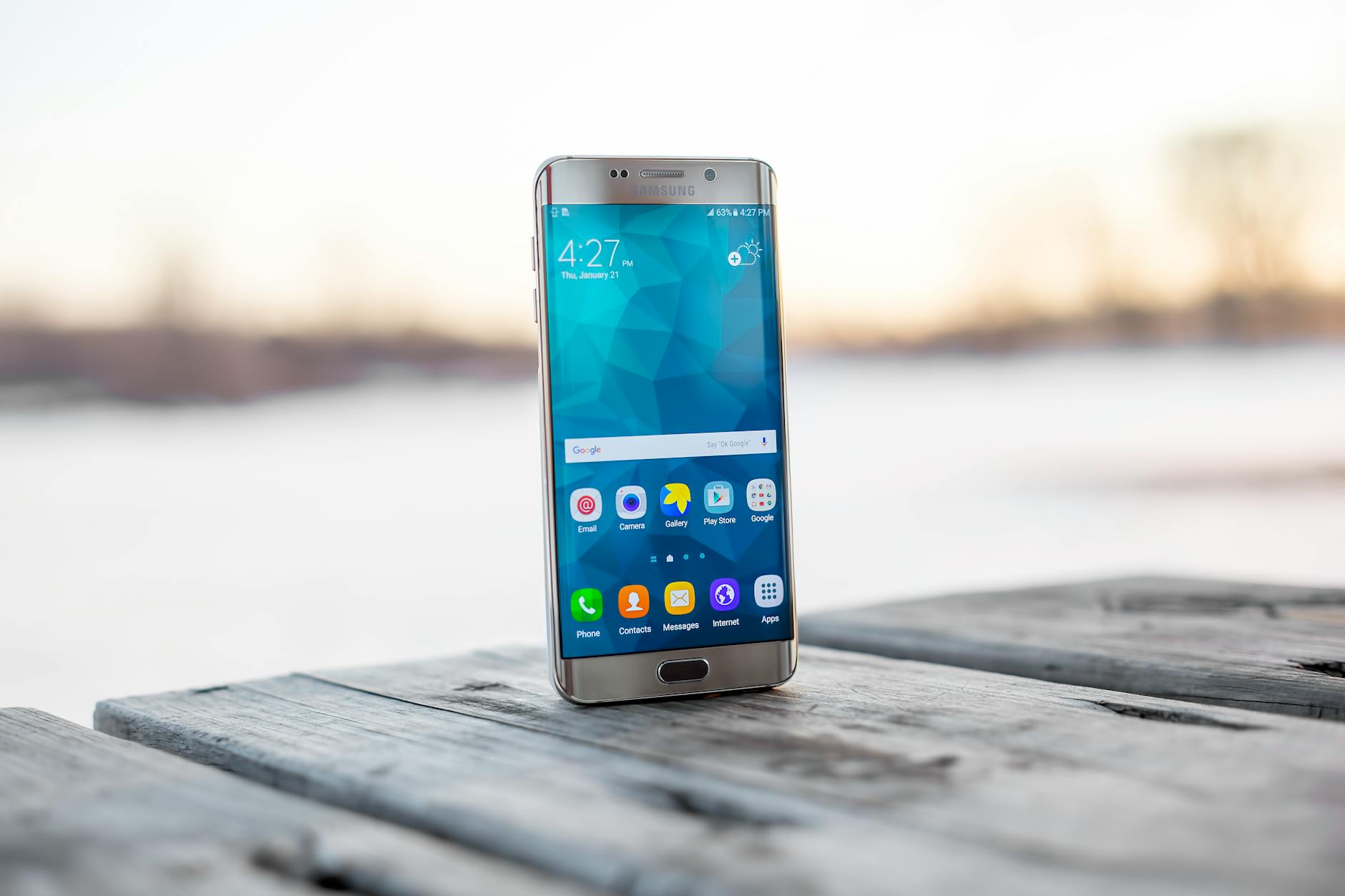
Photo by MOHI SYED on Pexels
A useful operational check is to test the actual device before a major event. Install the official app, sign in, play a free trailer and inspect the audio and subtitle menus. Then test your home connection during the same time period when you expect to watch. A fast connection on paper does not guarantee stable playback when several people are using the network.
The Internet Engineering Task Force explains that adaptive streaming changes video quality according to available bandwidth. In plain English, JioHotstar may lower resolution before buffering, especially during popular live events. That is usually preferable to a frozen picture, though nobody is obliged to enjoy it.
What devices work best for JioHotstar?
Recent Android and iOS devices, modern web browsers, supported smart TVs and reliable streaming sticks generally provide the smoothest JioHotstar experience. The exact compatibility list can change, so users should confirm requirements in JioHotstar’s official support documentation before purchasing hardware.
A television is best for group viewing, while a phone is more practical for commuting or checking a late match. Tablets sit awkwardly in the middle but remain useful for live score watching and split-screen commentary. For serious sports viewing, connect the television through Ethernet when possible; Wi-Fi interference is a boring villain that has ruined more matches than poor tactics.
Get the device and regional details sorted before you commit.
Myth 3: Live sports streaming is always better than television — flat-out false
Live streaming is more flexible than traditional television, but it is not automatically better. JioHotstar can offer mobile access, multiple language choices, catch-up viewing and a direct route to cricket or football coverage. However, a broadcast connection may have lower delay, steadier sound and fewer problems during periods of heavy internet traffic.
Latency matters if you are following a match through WhatsApp, X, television commentary or a neighbour’s celebration. The stream may arrive several seconds behind the live action, and the delay can become more noticeable when the platform adjusts quality. For casual viewing, that hardly matters. For live odds, fantasy contests or minute-by-minute tactical analysis, it can matter a lot.
Stadium View’s recommendation is simple: do not treat a JioHotstar stream as a real-time data feed. If you are tracking a 2026 FIFA World Cup fixture, confirm official match information through FIFA and use the stream for viewing, not as the sole source for timing or statistics. FIFA’s official competition information remains the authority for schedules and tournament details.
There is also the question of commentary. Cricket fans may value regional-language feeds, while football viewers may prefer English analysis. The better choice is the one that gives you the match experience you actually want, not the one most loudly advertised.
What actually works
The most reliable JioHotstar setup starts with identifying the content you care about, then matching the subscription and device to that content. A viewer who watches daily Indian serials has different needs from someone who only wants major cricket tournaments or occasional football matches. Paying for the largest-looking package without checking those differences is how entertainment becomes administrative work.
How should you choose a JioHotstar plan?
Choose a JioHotstar plan by comparing the required content, video quality, supported screens, advertising level and account rules rather than selecting the cheapest or most expensive option automatically. Sports-focused viewers should verify live-match access first, while film and series viewers should inspect the catalogue and language options.
Use this quick method:
- Write down the two or three programmes, films or competitions you will actually watch.
- Search those titles in the JioHotstar app or website.
- Check whether each item is free, ad-supported or premium.
- Confirm the number and type of devices allowed by the current plan.
- Calculate the effective monthly cost if you subscribe for a full season.
- Set a calendar reminder before renewal.
Pricing and plan names can change, so rely on the current JioHotstar checkout page rather than an old comparison article. The same caution applies to mobile-only offers, bundled telecom plans and promotional pricing from Reliance Jio. A bundle may look inexpensive while quietly adding a longer commitment or limiting viewing to one screen.

Photo by Franco Monsalvo on Pexels
Here is an edge case many generic guides skip: a plan can technically support a television while still giving a poor experience if the television’s app is outdated or the household reaches its simultaneous-stream limit. Test the intended screen before the fixture begins, and sign out of unused devices if playback is refused. That two-minute check beats restarting the router in the 88th minute.
For viewers who want deeper match context, see our [Internal Link: football tactics and player statistics guide]. It pairs better with live coverage than blindly chasing every available subscription.
How can viewers improve live cricket and football playback?
Viewers can improve JioHotstar playback by using a stable connection, updating the app, reducing competing network traffic and choosing a sensible video quality setting. Ethernet is preferable for televisions, while mobile users should test whether Wi-Fi or a strong 5G connection performs better in their location.
Try these practical steps:
- Update JioHotstar and the device operating system.
- Restart the router before a major live event, not halfway through it.
- Pause cloud backups, large downloads and game updates.
- Use 5 GHz Wi-Fi near the router where available.
- Lower quality temporarily if buffering begins.
- Keep the app open and signed in before the broadcast starts.
- Use official support if repeated error codes appear.
According to Netflix’s Open Connect technical information, streaming performance depends heavily on how content is delivered through networks and local infrastructure. JioHotstar uses its own delivery arrangements, but the broader principle remains: the distance between provider, network and screen affects playback.
One more thing: avoid installing unofficial modified applications. They can expose login details, introduce malware or break when the service changes its authentication system. The shortcut is not worth losing the account or payment information. We have all learned that one the annoying way.

Photo by panumas nikhomkhai on Pexels
What should you ignore?
Ignore claims that promise permanent access to every JioHotstar title, guaranteed high-definition playback on any phone or a magic setting that eliminates regional restrictions. Also ignore screenshots showing a plan price without its billing period, taxes, advertising terms or device limitations. Those details are where the real decision lives.
Be cautious with unofficial streaming links shared in social groups. They may imitate JioHotstar branding, request card details or redirect viewers through aggressive advertising. The official service, Google Play Store, Apple App Store and recognised smart-TV marketplaces are safer starting points. The Cybersecurity and Infrastructure Security Agency repeatedly advises users to treat suspicious links and unexpected login requests carefully; that is sensible advice here too.
Is JioHotstar better than cable or satellite television?
JioHotstar is better than cable or satellite television for flexible, on-demand and mobile viewing, but traditional television can be better for low-latency reliability and simple channel surfing. The right choice depends on whether convenience, sports timing, household usage or fixed monthly cost matters most.
JioHotstar’s advantages include:
- On-demand shows and films.
- Live cricket and football where rights permit.
- Multiple language and subtitle options.
- Viewing across phones, browsers and supported televisions.
- Easier access while travelling within supported markets.
Traditional television still offers dependable channel access, straightforward remote control use and fewer account-related interruptions. It may also be preferable for older viewers who do not want passwords, app updates or device pairing. A hybrid setup can be perfectly rational: use television for major live events and JioHotstar for catch-up episodes, films and mobile viewing.
After comparing actual habits rather than marketing claims, the choice becomes less dramatic. If you watch one tournament a year, a short subscription may be enough. If you follow Indian serials daily and share viewing with family, a longer plan may produce better value. If you only need free highlights, paying at all may be unnecessary.
How does JioHotstar fit into 2026 sports coverage?
JioHotstar fits into 2026 sports coverage as a regional streaming destination whose exact cricket and football rights must be confirmed for India and the relevant competition. It can complement official tournament websites, broadcaster schedules and specialist analysis from outlets such as Stadium View, but it should not replace those sources for fixtures or statistics.
Sports rights are event-specific. The 2026 FIFA World Cup will involve official venues, broadcasters and regional distribution agreements, while cricket coverage may follow an entirely different rights arrangement. A platform’s strong cricket profile does not prove that it carries every football competition, and a football promotion does not guarantee access to every match.
[Internal Link: 2026 World Cup host cities and match schedule]
Our second less-obvious tip is to check replay policy before subscribing for a match in an inconvenient time zone. Live access may be available while replay access, highlights length or archive duration differs. For a viewer working overnight or following matches from another region, replay rights can matter more than the headline live broadcast.
Need a final reference point for your viewing setup? Take a look before making the call.
Frequently Asked Questions
Q: What is JioHotstar?
A: JioHotstar is an India-focused streaming platform offering TV shows, movies, specials and selected live sports, including cricket and football. It was formed through the combination of JioCinema and Disney+ Hotstar under the JioStar business. Content, languages and live-event rights depend on location, subscription level and current licensing agreements.
Q: How do I start watching JioHotstar?
A: To start watching JioHotstar, install the official app or visit the official website, create or access an account, and choose content available in your region. Then check whether the selected title is free, ad-supported or included in a paid plan. Test playback on your intended television or phone before a major live match, and keep your login details private.
Q: What is the difference between JioHotstar and Disney+?
A: JioHotstar is primarily the Indian service created from JioCinema and Disney+ Hotstar, while Disney+ is a separate international product with different catalogues and rights. The name does not mean that every global Disney+ title is available on JioHotstar. Users should check the local catalogue, language options and subscription terms rather than assuming the services are interchangeable.
Q: Can I watch live cricket and football on JioHotstar?
A: You can watch live cricket or football on JioHotstar only when the platform holds the relevant rights in your region and your plan includes the event. Sports availability changes by tournament, season and country. Search for the exact competition or fixture, check the start time and verify whether live viewing, replay or highlights are included.
Q: How much does JioHotstar cost?
A: JioHotstar’s cost depends on the current plan, promotional offer, billing period and any Reliance Jio bundle. Prices and features can change, so the official checkout page is the correct source for the amount payable. Before subscribing, compare monthly and longer-term billing, advertising, video quality, supported screens and automatic renewal conditions.
Q: Why does JioHotstar keep buffering?
A: JioHotstar usually buffers because of unstable bandwidth, network congestion, outdated software, overloaded Wi-Fi or a device compatibility issue. Update the app, restart the router, pause downloads and try Ethernet or a different network. If lowering video quality fixes the issue, the problem is probably connection capacity rather than the account itself.
Q: Can I watch JioHotstar outside India?
A: JioHotstar availability outside India is restricted by regional licensing, account terms and payment rules, so overseas access is not guaranteed. A subscription purchased in India does not automatically provide international viewing rights. Check the official service information for your country and avoid relying on unofficial applications or workarounds that may violate platform terms.
JioHotstar makes a strong case for viewers who want Indian entertainment and selected live sports without being tied to a television schedule. It is not a magic key to every show, film, cricket series or football match, and pretending otherwise only creates avoidable hassle. Check the exact rights, test the device, understand the plan and use official sources for major 2026 fixtures. That is the boring method, which is usually the method that works. Believe it or not — I do.
If you are ready to compare the viewing options more closely, start here.